How much does an app cost, and how do you create one?
'How much does an app cost' has two parts: what it costs to build, paid once, and what it costs to keep running, every month and every year. This guide covers both, with the store fees checked on the official pages on 23 September 2026, and ends with the steps to create an app.
At Pluton Studio, web apps and mobile apps for iOS and Android start from €3,000, and the first working version lands within 4 to 6 weeks. Screens, roles, integrations, payments and data move the final price, which you get as a fixed written quote after one call. On top of the build come Apple's developer account at 99 USD a year, Google Play's at 25 USD once (fees on 23 September 2026), hosting, and the updates the stores require every year.
Pluton Studio builds mobile apps from €3,000.
The short answer
Web apps and mobile apps start from €3,000 with us. That holds for a web app that opens in any browser and for a mobile app built from one codebase for iOS and Android. The final price comes as a fixed written quote within two working days of one call.
The first working version lands within 4 to 6 weeks, and the rest is built in phases. Custom software with many modules and larger AI systems are quoted after a call.
Web app, one codebase for iOS and Android, or native
The first decision moves the cost more than any feature. These are the three routes.
For most businesses the right start is a web app: the Ariana Studio panel installs on the phone's home screen and brings the owner a notification for every booking, without going through the stores. A mobile app makes sense when your client or your staff open it every day and need the phone's own features.
| Type | What it is | When it makes sense | What it means for the cost |
|---|---|---|---|
| Web app | Opens in the browser on a phone or a computer, and can be installed on the home screen | Panels, bookings, orders, tools for staff | One codebase, no store accounts, no store review |
| Mobile app from one codebase | One codebase that ships as an app on the App Store and Google Play | When you need the camera, location, offline work or a place in the stores | One codebase for two platforms, plus the store accounts and publishing |
| Native, two codebases | One app built only for iOS and another only for Android | Games, heavy graphics or very specific device features | Two codebases to build and to maintain |
What moves the price
Two apps that look alike on screen can cost very differently. The difference comes from these:
- Screens and flows: how many steps the user takes from opening the app to the goal.
- Roles: client, staff, administrator, each with their own screens and permissions.
- The admin panel: where you change prices and content and see orders or bookings.
- Integrations: card payments, calendar, maps, your accounting software, the system you run today.
- Phone features: camera, location, offline work, notifications.
- Data: moving clients and products over from spreadsheets or another tool.
- Languages: Albanian, English, German for the diaspora.
- Security: health or financial data calls for more care and more testing.
What the first version should contain
The first version is not the whole app. It is the shortest path to value for one real user: booking an appointment, the first order, the report that is written by hand today.
Our rule: one type of user, one main flow and a minimal panel to run it. Everything else goes on the phase-two list, and that list changes once people use the first version.
- In the first version: the flow that earns money or saves hours, user sign-in, the basic panel and the notifications that cannot be missing.
- Waits for phase two: advanced reports, loyalty schemes, a third language and integrations that are not critical.
App Store and Google Play accounts, in your business's name
A mobile app is published from a developer account in each store. These accounts are opened in your business's name, not ours: the account is yours, and you add us as members to build and publish the app.
Apple: the Apple Developer Program costs 99 USD per membership year, shown in local currency during enrollment. A company enrolls as an organization: it has to be a legal entity, with a website on its own domain and a D-U-N-S Number, which is free and can take up to 5 business days to arrive. A sole proprietor enrolls as an individual, with no D-U-N-S Number.
Google Play: a developer account has a one-time registration fee of 25 USD. An organization account also requires a D-U-N-S number. Personal accounts created after 13 November 2023 must test the app with at least 12 testers for 14 days in a row before publishing, one more reason to open the account as a business.
We checked these fees on Apple's and Google's official pages on 23 September 2026. Check them again before you pay, because they change.
Store commission: when it applies and when it does not
The stores take a commission when you charge for the app itself or sell digital content and features inside it: subscriptions, premium levels, credits. Those payments run through the store's own billing. For small developers, Apple takes 15% in its Small Business Program and Google Play 15% on the first 1 million dollars a year; above those thresholds and in some markets the rates differ.
When the app sells physical goods or services used outside it, such as an appointment, an order or a delivery, the stores require the payment to run outside their billing: that is in Apple's App Review Guidelines (section 3.1.3(e)) and Google Play's payments policy. The client then pays by card through your bank's virtual POS, at the bank's fees, and the store takes no commission.
Costs after launch
The build is paid once, but a mobile app is never completely finished. Since 31 August 2026, Google Play accepts new apps and updates only when they target Android 16 (API level 36), and since 28 April 2026 Apple accepts only apps built with Xcode 26 and the iOS 26 SDK. A new requirement arrives every year, so budget at least one update a year.
A web app avoids the store accounts and the store review, but hosting and maintenance remain. These are the running costs:
| Item | What it covers | When it is paid |
|---|---|---|
| Apple developer account | Publishing on the App Store | Every year, 99 USD (23 September 2026) |
| Google Play developer account | Publishing on Google Play | Once, 25 USD (23 September 2026) |
| Hosting | The server and database the app runs on | Monthly, by usage |
| Third-party services | Maps, SMS, messaging and email, when used | By usage, at the provider's rates |
| Card payments | The bank's fee on each payment | Per transaction, set by the bank |
| Maintenance | Updates the stores and new phone versions require, fixes | As written in the quote |
How to create an app: the steps
From the idea to the app on your client's phone, this is the path we follow:
- Write down the problem, not the features: who uses it, what they do by hand today, and what should happen instead.
- Choose the type: a web app, a mobile app from one codebase, or both on the same system.
- List the screens of the first version: the main flow and the minimal panel, without phase two.
- Ask for a fixed written quote with the phases, the timeline, the monthly costs and who maintains the app after launch. The criteria are in how to choose a web agency.
- Open the accounts in your business's name: the D-U-N-S Number, the Apple Developer Program and Google Play Console.
- Approve the design on screen before any code is written.
- Test the preview builds on your own phone, with the people who will use the app.
- Publish: the app goes through each store's review before it goes public.
- Measure and improve: phase two is built from what real users do.
How to prepare for the call
With these ready, the quote is sharper and arrives sooner. How we build is on mobile app development and web app development.
- A plain-language description: who uses the app and what problem it solves.
- Two or three apps you like, and what exactly you like about them.
- The roles: who signs in and what each of them sees.
- The systems you already have: website, accounting software, spreadsheets, payments.
- The deadline you have in mind, and why.
- Who keeps the content up to date: products, prices, texts.
Selected work
Real, shipped work for real clients across Kosovo and Europe.
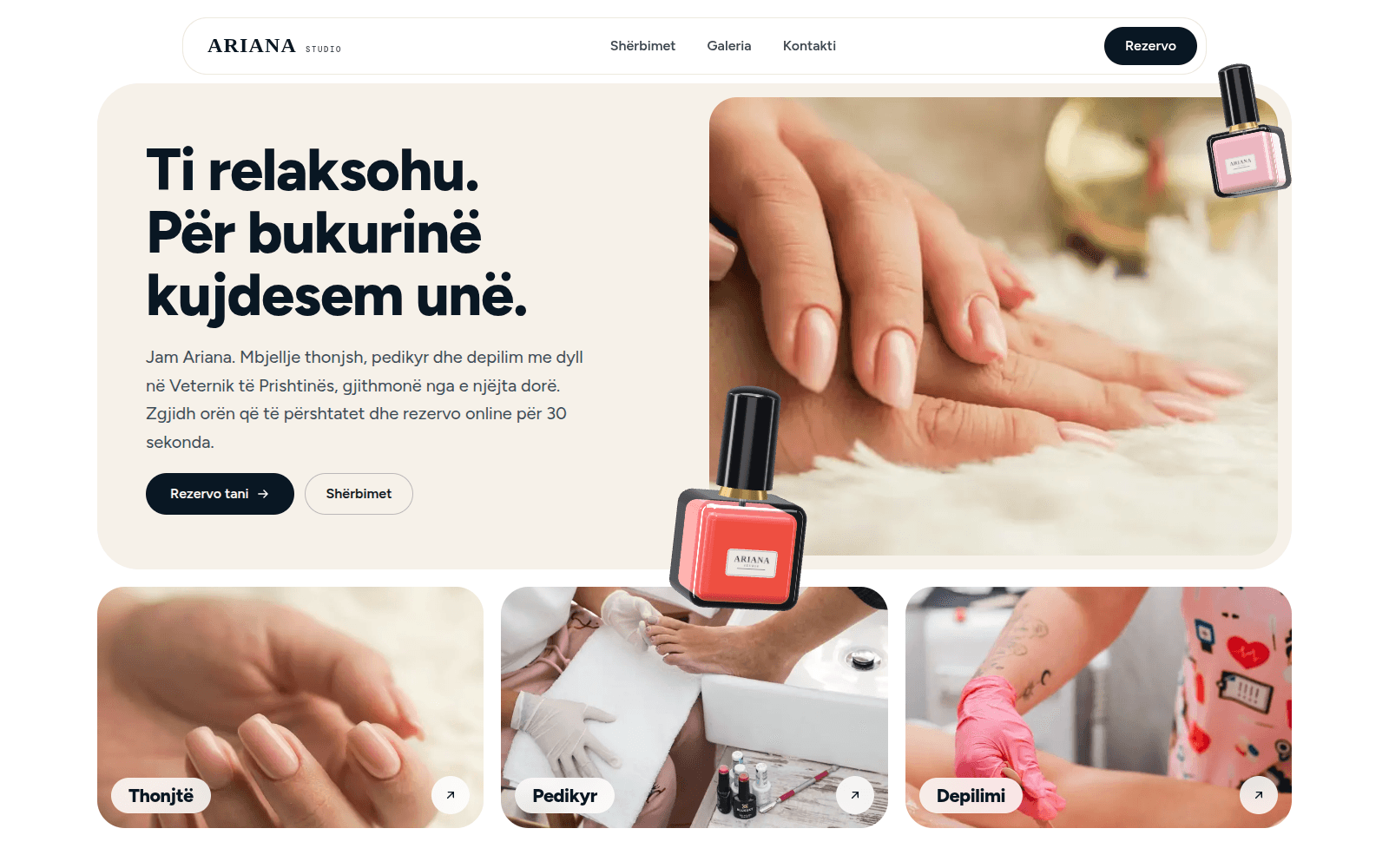
Ariana Studio
Visit site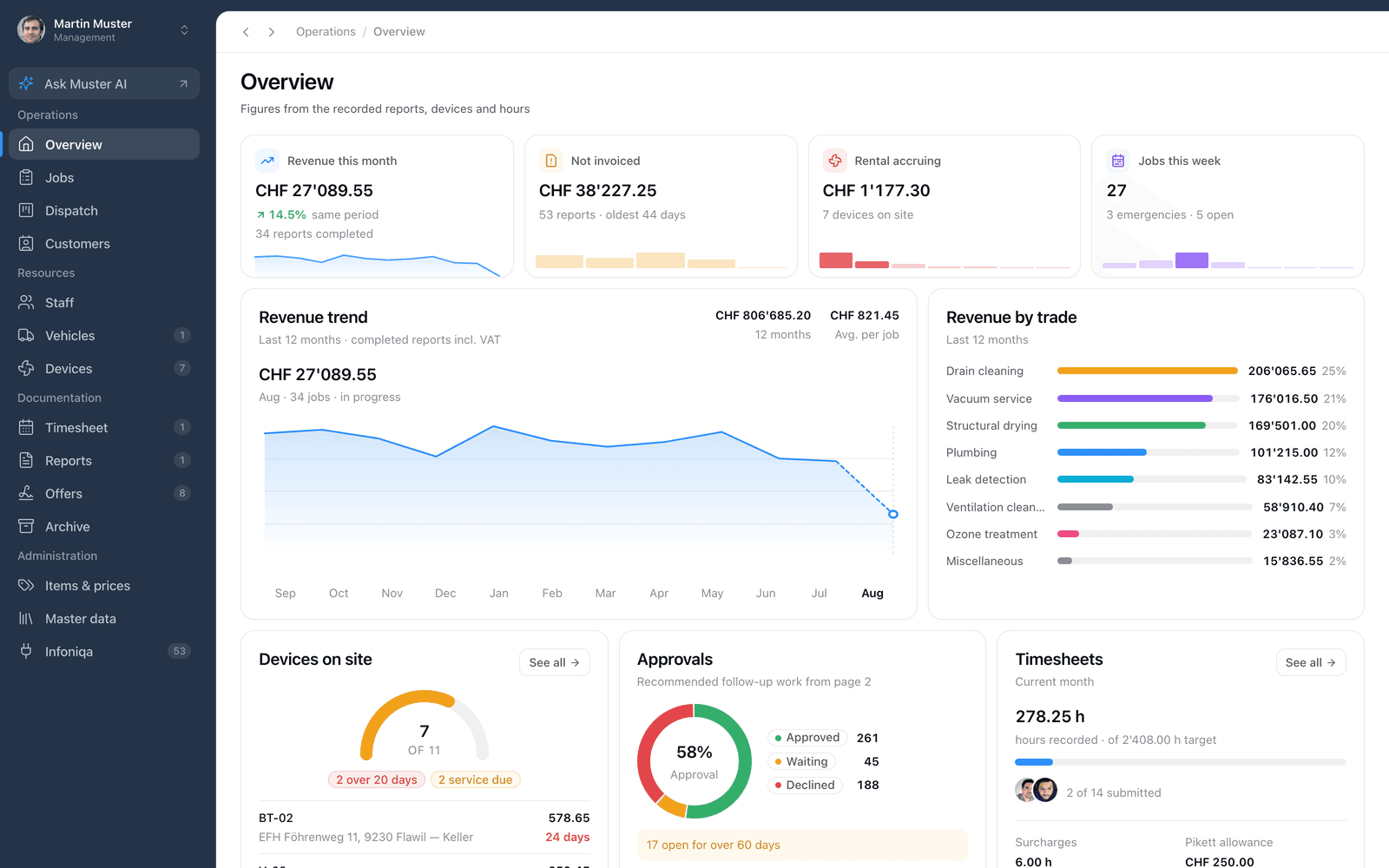
Field-Service Platform
Frequently asked questions
How much does a simple app cost?
With us, web and mobile apps start from €3,000. A simple app has one type of user, one main flow and a basic panel; the exact price comes as a fixed written quote after one call.
How much does it cost to put an app on the App Store and Google Play?
Apple's developer account costs 99 USD a year and Google Play's 25 USD once (official fees on 23 September 2026). There is no separate fee per app; the stores take a commission only when you charge for the app itself or sell digital content inside it.
How much does an app cost to maintain and run?
It depends on how much the app changes and how heavily it is used. Every year the stores require updates for new versions of iOS and Android, and hosting is paid monthly; we write maintenance into the quote with a clear scope.
Can I create an app for free?
With no-code tools you can build a prototype or a simple app yourself, and to test an idea that is enough. When the app has to connect to your systems, take payments or grow, the tool's limits get in the way. For a business, Apple's account fee applies either way if you want to be on the App Store.
How long does it take to build an app?
The first working version lands within 4 to 6 weeks. For a mobile app, start the accounts early too: a D-U-N-S Number can take up to 5 business days, and each store reviews the app before it goes public.
Do I need a mobile app, or is a web app enough?
If your clients do not open it every day, a web app is usually enough: it opens from a link, installs on the home screen and sends notifications, like the Ariana Studio panel. A mobile app makes sense when you need the camera, offline work or a place in the stores.
Whose name are the store accounts in?
Your business's. The Apple and Google Play accounts are yours, and we work inside them as members you add.
Let's start your project
Tell us about your business in a few lines. Adrian Fusha, our founder, replies within one working day with a plan and a fixed quote. WhatsApp is usually faster.