How to get more Google reviews in Kosovo
When someone searches 'restaurant Prishtina', the first thing they see is your stars and your review count. This guide shows how to earn more real Google reviews, reply to them and climb Google Maps without putting your profile at risk. It works for restaurants, cafés, hotels and any local business in Kosovo.
By Adrian Fusha, Pluton Studio
On this page
Why do reviews decide how many customers walk in?
Reviews do two jobs at once: they are the first thing a person sees when your business shows up in search or on the map, and they are among the strongest signals that lift you up Google Maps and the Local Pack.
The choice is made in seconds. Two places at the same price and distance: the one with 4.7 stars and 300 fresh reviews beats the one with 4.9 stars but only 12 reviews from two years ago.
- Stars and count are seen before the menu or the photos.
- Fresh reviews show the place still runs well today.
- Owner replies show you care, especially under criticism.
Google Business Profile: the foundation
Before you ask for a single review, make sure the profile is claimed, verified and complete. Reviews land on it: if it is missing or frozen, much of their value is lost. If your business is not on the map yet, start with how to add your business to Google Maps.
A complete profile gives customers more reason to leave a review, because they can see the business cares. If you also need a site that completes the profile, see restaurant websites.
- Claim and verify the profile before anything else.
- The exact primary category: the single strongest factor.
- Real photos, hours, menu and a +383 number for the diaspora.
- Post regularly: active profiles earn more reviews.
How to ask: the moment, the link and the QR code
Ask when the customer is happiest: at a restaurant when you bring the bill, at a hotel during check-out or with a short message just after they leave. Satisfaction fades fast as the hours pass.
The path should finish in two taps: a short link straight to the 'write a review' window, turned into a QR code on the counter, the bill or a table card. It is the same setup as the QR digital menu, which is why many venues keep both.
Do not load the ask with conditions. Never invite reviews only from clearly happy customers and never divert unhappy ones away from Google: that breaks Google's rules and puts your profile at risk.
- Ask at the moment of satisfaction: after the bill, at check-out.
- A short link straight to 'write a review', not the general profile.
- The QR code: counter, bill, table card, thank-you page.
- Add the link to confirmation emails and your site footer too.
- Make it a daily routine, not a campaign that stops.
What to do and what to never do
Good review strategy is one thing: ask lots of real customers, easily, all the time. Buying, rewarding and filtering out unhappy customers are risks that can cost you the profile.
Google catches fake reviews through patterns: accounts with no history, sudden bursts, similar wording. The consequence is not only that those reviews get removed, but lost trust in the whole profile and a drop on the map.
| Do this | Never do this |
|---|---|
| Ask every customer the same, easily | Ask only clearly happy customers |
| A link or QR code straight to the review | Divert unhappy customers away from Google |
| Keep a steady weekly flow | Buy packs of reviews online |
| Reply to every review, even negative | Delete or ignore criticism |
| Thank people with no material reward | Offer a discount or gift for a star |
| Let people write in their own words | Dictate the text or create fake accounts |
How we help: your website and review QR codes
Reviews lift your Google Maps ranking through count, freshness and replies. Your website can show them too, but that only gives shape to the reputation you already have: it does not create it.
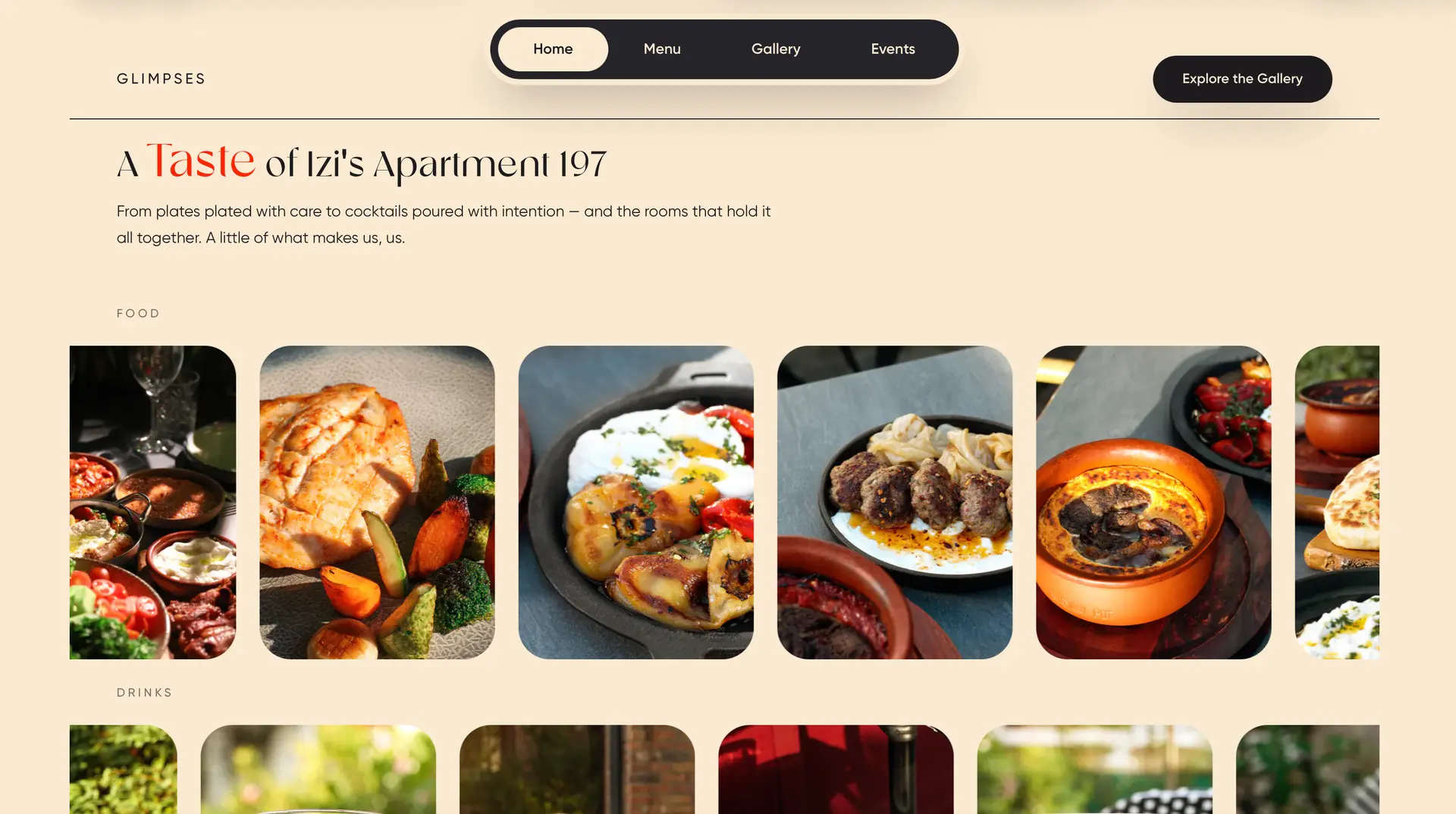
Pluton Studio builds restaurant websites and café websites together with the QR codes for menus and reviews: KROG with large photography, Apartment 197 with the menu and the live-music programme.
The same goes for hotel websites. For the full picture of local ranking, see local SEO in Kosovo. After the first call you get a free, fixed written quote within two days.
Selected work
Frequently asked questions
How does a QR code for Google reviews work?
The QR code is your short review link turned into a code: the customer scans it and the 'write a review' window opens directly, not the general profile. That way the review takes two taps. Put it on the counter, the bill, table cards and your thank-you page.
When should I ask a customer for a review?
At the moment they are happiest: at a restaurant when you bring the bill, at a hotel during check-out, or with a short message just after they leave. Satisfaction fades fast as the hours pass, so do not wait. Ask every customer the same way, not only the ones who look happy.
How should I reply to a negative Google review?
Do not defend yourself in public: acknowledge the problem and invite the customer to settle it privately. Reply in the language the review was written in. How you answer one piece of criticism tells dozens of future customers how they will be treated when something goes wrong.
Can I buy Google reviews or reward customers for them?
No. Buying reviews, offering a discount or gift for a star and asking only happy customers are risks that can cost you the profile. Google catches fake reviews through patterns such as accounts with no history, sudden bursts and similar wording, and the result is lost trust in the whole profile and a drop on the map.
Should I reply to positive reviews too?
Yes, to every one. For a positive review a short, specific thank-you is enough, never copy-pasted. Replies are an activity signal for Google and a care signal for the next customer reading along.